
Guides
30–60s Phone Walkaround or AI Reel: Make a Car Listing Video
30–60s Phone Walkaround or AI Reel: Make a Car Listing Video for Carpulse
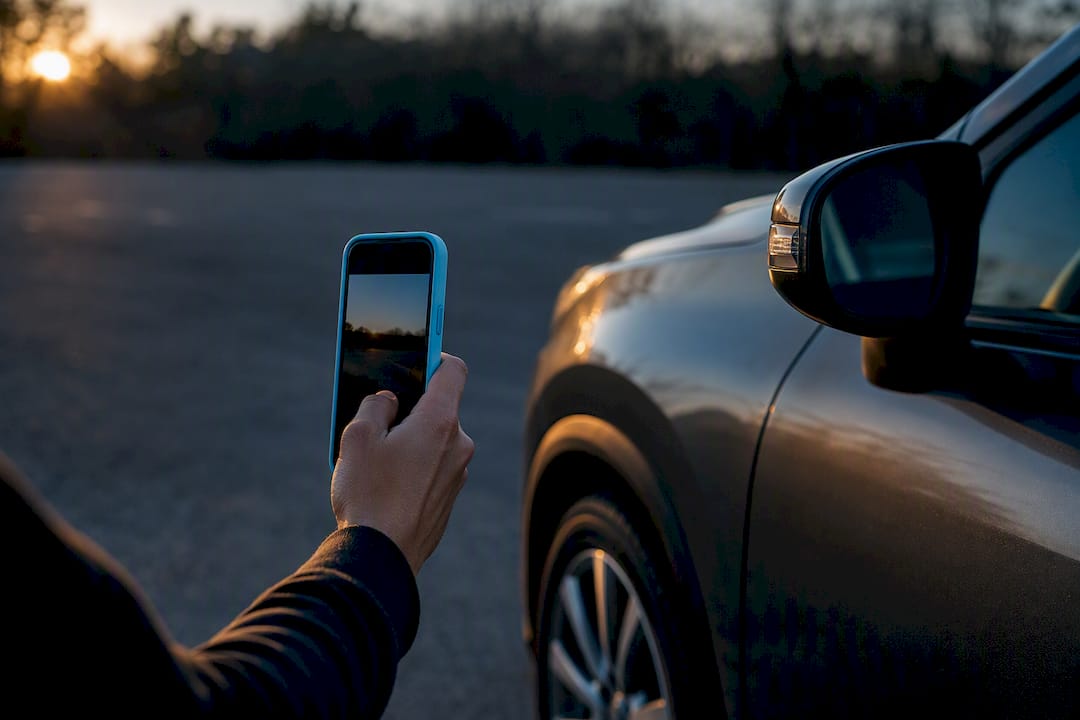
Yes, add a short listing video. Either film a 30 to 60 second phone walkaround or generate a brief AI reel from your existing photos. Both routes take less than an hour, and listings with video tend to draw more clicks and more serious buyers. If you’re listing on Carpulse, you can attach either format directly to your ad alongside your photo gallery.
TL;DR:
- Including a walkaround video increases buyer trust by allowing them to verify car operation, appearance, and condition more accurately than photos alone.
- Filming a quality walkaround requires only minimal preparation, such as washing the car, choosing good lighting, and shooting from key angles with a steady hand.
- AI tools can transform existing photos into short, captioned videos suitable for social media and websites, saving time and effort without additional filming.
- Proper video aspect ratios are crucial: 9:16 works best for mobile feeds and social media, while 16:9 suits website and YouTube uploads for optimal display.
- Listing platforms like Carpulse support easy video attachment via auto-filled VIN data and mobile uploads, making it quick to enhance listings with multimedia content.
Table of Contents
- Why video in car listings matters more than photos alone
- How do you film a walkaround video with your phone?
- Can you make a listing video without filming any footage?
- Which video format goes where, and how do you upload it?
- What should you always show, and what should you never fake?
- DIY phone, AI reel, or professional walkaround: which fits your situation?
- How Carpulse supports sellers who want to add video
- When does a video actually move the needle for a sale?
- List your car on Carpulse with video attached in minutes
- Where to learn more about filming and posting car videos
- Sources
Why video in car listings matters more than photos alone
Buyers don’t trust a listing they can’t verify, and photos alone leave too much to guess. A video closes that gap. It lets a buyer see the car move, hear the engine idle, and watch a hand run across the dashboard, which is closer to an in-person inspection than any photo set can offer.
That perception of a real inspection changes buyer behavior. Fewer people message you just to ask “does it run fine?” because the video already answered that. The people who do reach out have usually already decided the car is worth their time, so you spend less energy filtering tire kickers.
Listings that include video tend to draw more engagement and inquiries than photo-only listings, and that extra trust tends to translate into faster sales.
Kelley Blue Book’s own guidance on writing a good classified car ad backs this up: a thorough ad pairs a clear written description and plenty of photos with video, specifically because video shows operational features and confirms condition in a way text can’t. Buyers self-qualify faster when they can see the thing running.
How do you film a walkaround video with your phone?
You don’t need a camera crew for this. A clean car, decent light, and a steady hand get you most of the way there. Capital One’s guide on taking better video for a used-car listing lays out the core discipline: prep, light, and length matter more than gear.
Follow this order and you’ll produce something usable on the first try:
- Wash the car and clear out personal items, trash, and clutter from the seats and dash.
- Park against a plain background. A blank wall or empty lot beats a busy street every time.
- Shoot the front three-quarter angle first, then walk both sides, then the rear, then crouch for close shots of each wheel and tire tread.
- Move inside for the dashboard, seats, and infotainment screen, then zoom on the odometer so mileage is unmistakable.
- Pop the hood and let the engine run on camera for a few seconds before you shoot the bay.
Shoot vertical (9:16) if this is going straight to social media or a mobile-first marketplace feed. Shoot horizontal if it’s headed to a website embed or YouTube, where wider framing reads better on a bigger screen.
Film during early or late parts of the day. Harsh midday sun causes shadows that hide dents and scratches, which can make an honest car look like it’s hiding something. If you demonstrate acceleration or braking, do it somewhere safe and legal. Never film while driving yourself.
Pro Tip: Say the mileage and any known issue out loud while filming the odometer. It’s a small trust signal that costs you nothing and headlines your honesty before a buyer even asks.
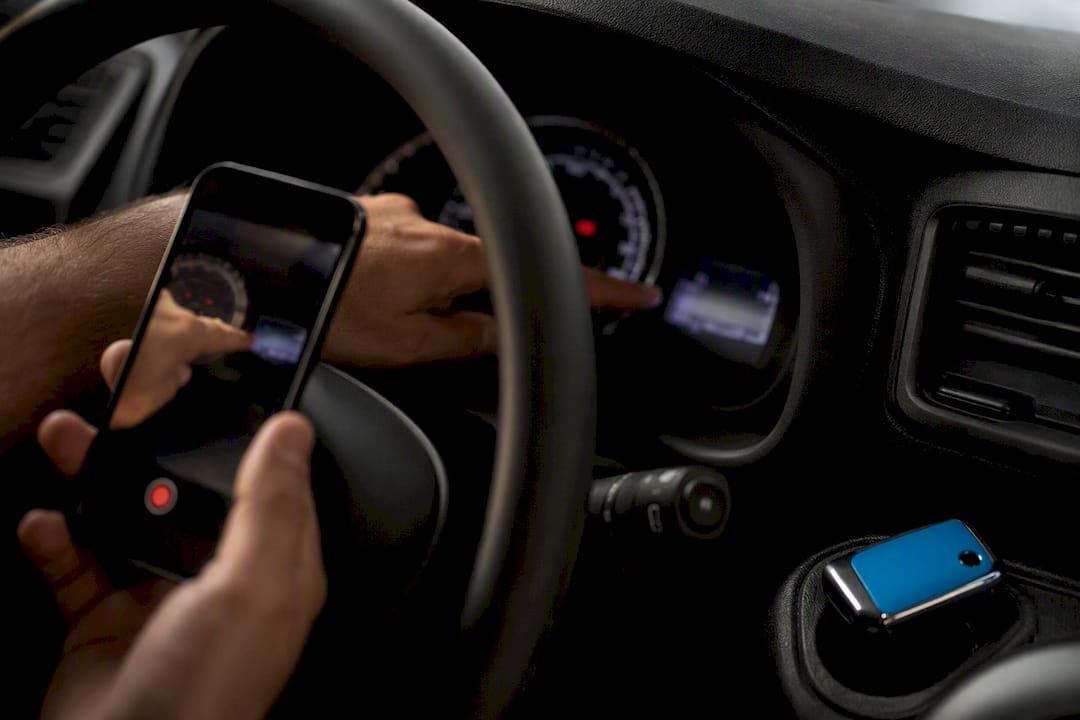
Can you make a listing video without filming any footage?
Yes. If you already took decent listing photos, you can turn them into a moving reel without touching a camera again. AI photo-to-video tools take a folder of six to ten stills and animate them into a short clip with camera motion, transitions, and text captions, often finished in under a minute according to Imagera AI’s breakdown of the process.
Here’s how the workflow actually runs:
- Select multiple photos covering typical angles needed: front three-quarter, sides, rear, wheels, interior, dashboard, odometer, and engine bay.
- Order them to mimic a real walkaround. Front approach first, then driver side, rear, passenger side, interior, and engine last, so the motion feels like a person guided the tour.
- Add caption overlays stating year, make, model, mileage, and price directly on the footage, since most viewers watch with sound off.
- Export a vertical version for social feeds and a horizontal version for websites or YouTube.
- Confirm the tool grants commercial usage rights before you post, especially if you’re a dealer running paid ads.
Mobile autoplay strips sound by default, and Imagera’s research notes that readable overlays stating the basics can meaningfully lift conversion when a buyer is scrolling with the volume off. Keep the reel short, keep the captions legible, and you’ve built something close to a walkaround without ever touching a tripod.
Which video format goes where, and how do you upload it?
Getting the ratio wrong is the fastest way to waste a good video. Vertical footage looks cropped and awkward on a desktop website; horizontal footage gets letterboxed to nothing on a phone screen.
| Platform type | Recommended aspect ratio | How to upload |
|---|---|---|
| Mobile marketplace feeds | 9:16 vertical | Native upload directly into the listing form |
| Social media (Reels, Stories) | 9:16 vertical | Native upload to the app |
| Website listing pages | 16:9 horizontal | Native upload or embed |
| YouTube | 16:9 horizontal | Upload to YouTube, then link or embed |
| Square feed posts | 1:1 square | Native upload |
Keep file sizes small for mobile delivery so the clip doesn’t stall on a slow connection. When a marketplace supports direct native upload, use it. Native video tends to autoplay in-feed, which drives more views than a link a buyer has to click and wait for. When a platform doesn’t accept native video, host it on YouTube and drop the link in your description instead, which is exactly the setup Car & Classic’s help documentation recommends for its own listing rules. For private sellers, local Facebook groups and marketplace apps with native vertical video tend to generate the most local traction, simply because that’s where nearby buyers are already scrolling.
What should you always show, and what should you never fake?
Trust is the entire point of adding video, so don’t undercut it with sloppy editing. A few rules keep your footage credible instead of suspicious.
- Show the engine running and let the microphone pick up the real sound. Skip background music that drowns it out.
- Disclose visible damage on camera rather than cutting away from it. A buyer who spots a hidden dent in person after watching a “perfect” video will walk, and they’ll leave a review about it.
- Avoid heavy filters, speed ramps, or overlays that exaggerate condition. What the buyer sees should match what they get.
- End with a clear call to action: your phone number, a link to the full listing, or a caption telling them exactly how to reach you.
Car & Classic’s own listing guidance makes the same point from the platform side: walk the full vehicle slowly, run the engine, and keep music out of the mix so buyers can actually hear what they’re buying.
Pro Tip: If the car has a known issue, say it in the first ten seconds. Buyers scroll fast, and burying a flaw at the end of the clip reads as an attempt to hide it, even when that’s not your intent.
DIY phone, AI reel, or professional walkaround: which fits your situation?
Three production routes cover almost every seller. Pick based on your volume and how much polish the car actually needs to sell.
- DIY phone walkaround fits a single private sale where you want honesty over polish and you’re not paying for anything beyond your own time.
- AI photo-to-video reel fits sellers who already have good photos and want a short, captioned clip fast, without scheduling a filming session. CloudPano’s evaluation criteria for video makers points to render speed and multi-format export as the features worth checking before you commit to a tool.
- Agency or professional walkaround production fits dealers moving higher volume, where inventory or DMS integration and consistent branding across dozens of listings matter more than any single clip.
Speed, customization, and cost trade off against each other in a predictable pattern: the DIY route costs nothing but your time, the AI route trades a little customization for speed, and a professional service costs the most but scales cleanly across an entire lot.
How Carpulse supports sellers who want to add video
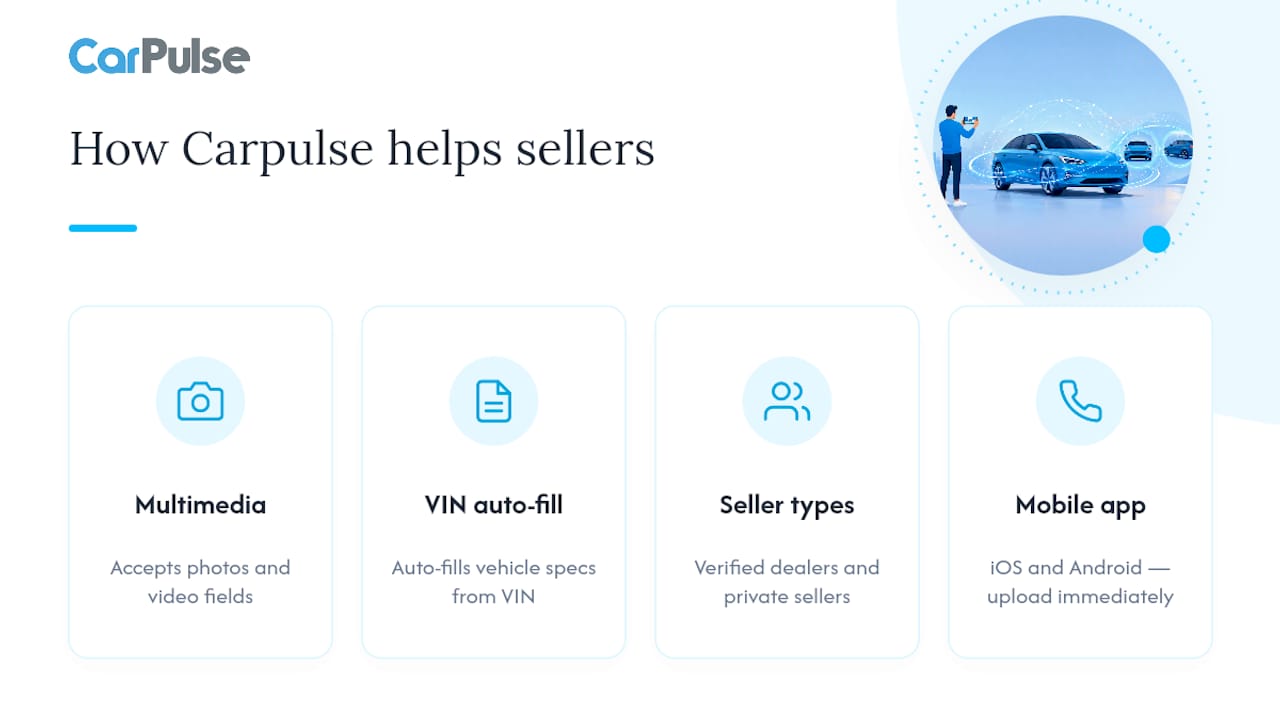
Carpulse listings accept multimedia fields for both photos and video, and the VIN-based listing tool auto-fills your vehicle’s specs so you spend your time on the video, not on data entry. Verified dealers and private sellers list side by side, and the mobile app for iOS and Android lets you upload footage the moment you finish filming. For a full walkthrough of the listing process itself, see Carpulse’s guide on listing cars online for fast, safe sales.
When does a video actually move the needle for a sale?
Video earns its effort in competitive, high-traffic categories: popular models, first-time imports, or any listing where a dozen similar cars are one scroll away. A photo gallery alone is often enough for a niche or low-demand vehicle where there’s little competition to stand out against. My baseline recommendation for almost every seller is simple: pair a short reel with a complete photo set. That combination costs you little and covers you either way.
— Henri
List your car on Carpulse with video attached in minutes
Carpulse lets you skip the manual data entry entirely. Enter your VIN, let the listing auto-fill your car’s specs, then attach your walkaround or AI reel straight to the ad before it goes live. That’s the real advantage over piecing a listing together by hand across multiple apps: one form, verified dealer visibility, and a multimedia field ready for whatever video you produce.
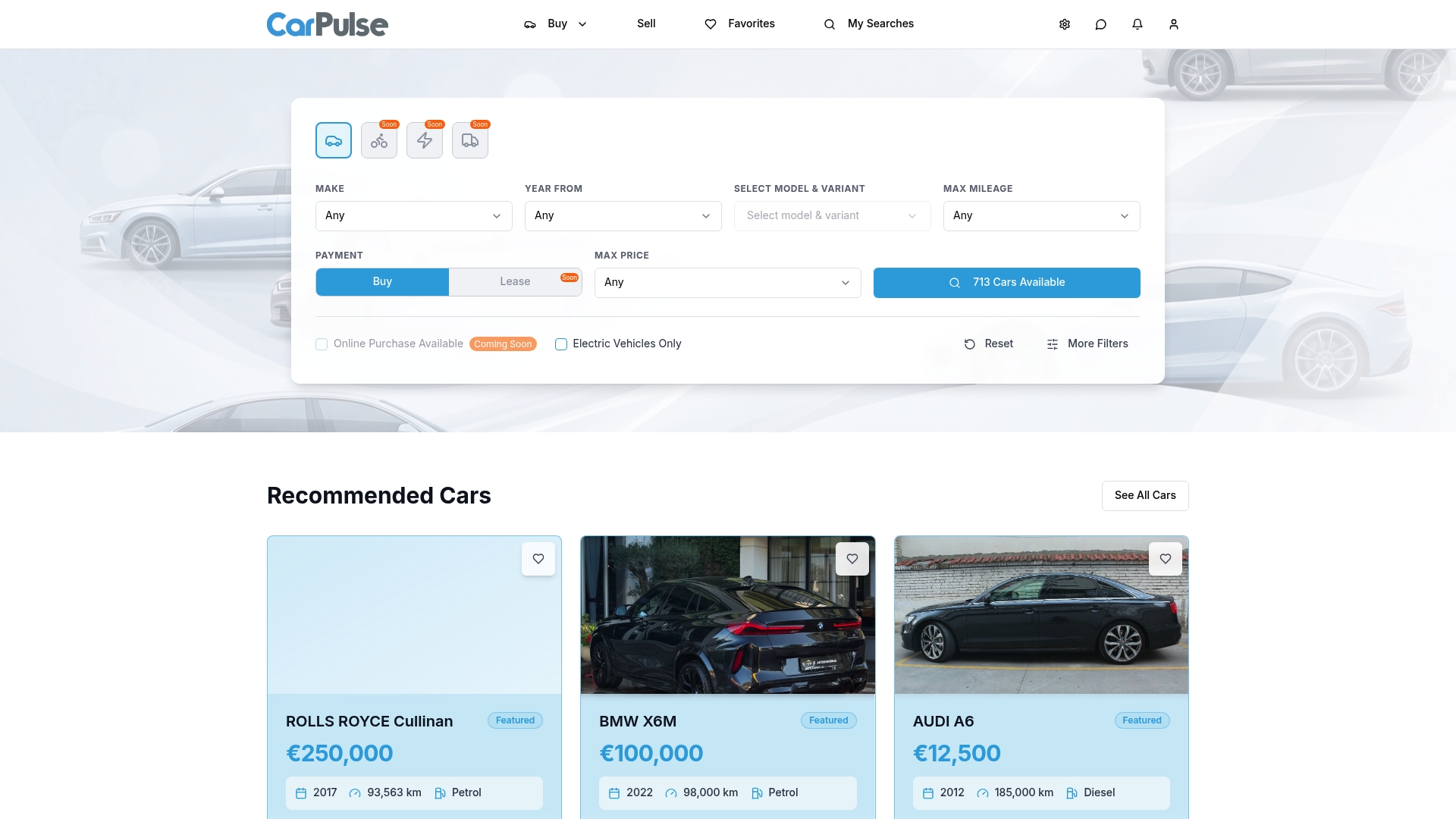
If you’re not sure where to start, Carpulse’s sell page walks through listing options and how to attach media, and the format and upload guide covers export settings if you want your video to look sharp on both mobile and desktop. Head to the Carpulse marketplace and get your listing live with video attached today.
Where to learn more about filming and posting car videos
- Capital One’s used-car video guide: filming basics, lighting timing, and safety notes for driving footage.
- Imagera AI’s photo-to-video breakdown: how AI reel tools turn stills into a captioned walkaround clip.
- CloudPano’s video maker checklist: what to look for in speed and export options.
- Carpulse’s complete buying and selling guide: the full checklist for pairing your listing with the right documents and steps.
Sources
- How to Take Better Video for Your Used-Car Listing | Capital One Auto Navigator
- Sell Your Car Faster: AI Listing Video From | Imagera AI
- Best Car Listing Video Maker for High-Conversion Ads
- Can I add a video to my listing? | Car & Classic help
- How to Create a Good Classified Car Ad - Kelley Blue Book